

Our apologies
There may be some issues with our new site, but we are still here to help! Please feel free to...
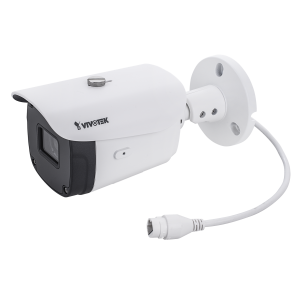
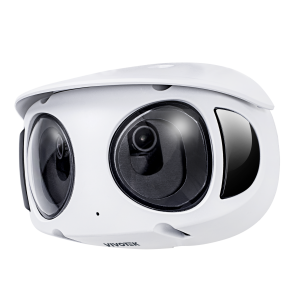
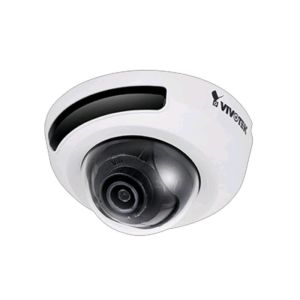
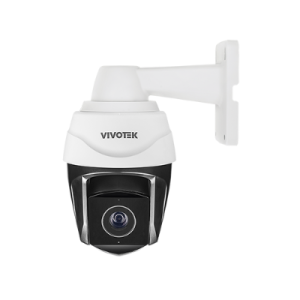
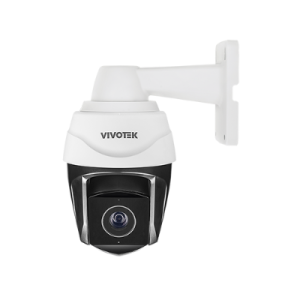
Whether you need weatherproof, vandal-resistant, or tamper-resistant IP Cameras, Vivotek has a choice for each of these occasions or a combination of them. Vivotek comes prepared with their outstanding collection of network cameras. From the top-notch performance of the Supreme Series to the everyday dependability of the Fixed Series, every IP camera will provide a clear and satisfactory image, leaving you with the peace of mind that a Vivotek IP security system will provide.
Vivotek is well known in the world of IP cameras for their wide variety of quality products. Covering a large selection of indoor, outdoor, and mobile IP cameras along with video servers, network video recorders, and software, they provide all the components of creating a state-of-the-art IP surveillance system. With a variety of stylish models to choose from, Vivotek provides an excellent affordable option for anyone looking for a complete security solution.
The installation of a Vivotek IP surveillance system will leave you comfortable and satisfied! Knowing you can check on your property, people, or pets with just a few clicks on the Internet gives you confidence about their safety and security.

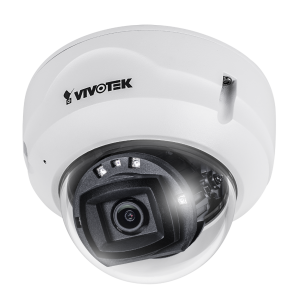
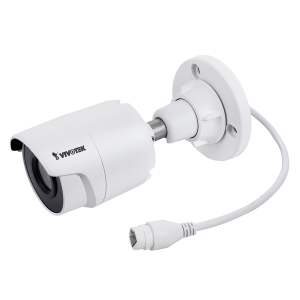
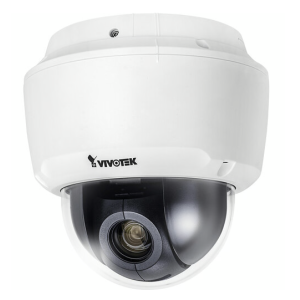
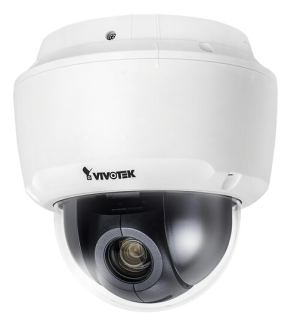
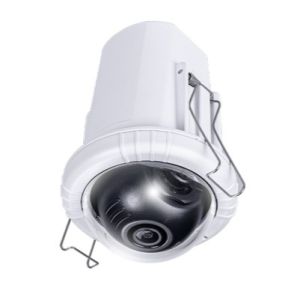
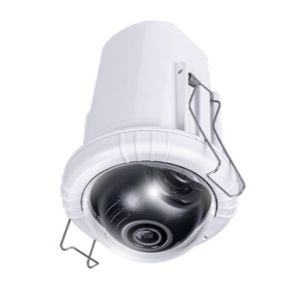
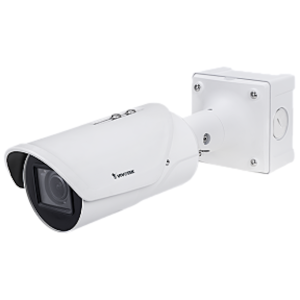
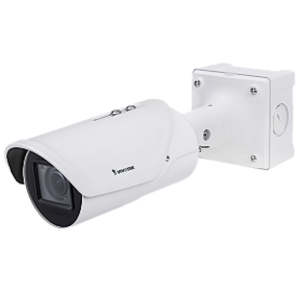
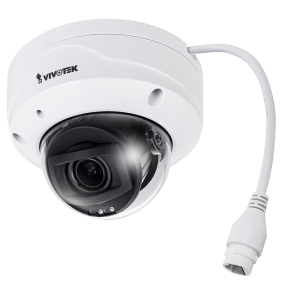
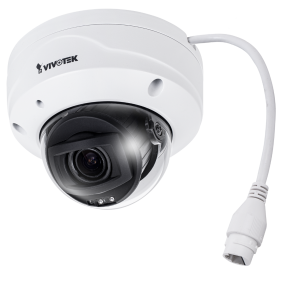
SKU: 02-135032
MPN: MS9390-EHV-v2
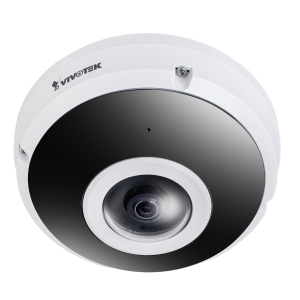
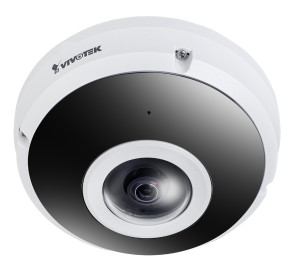
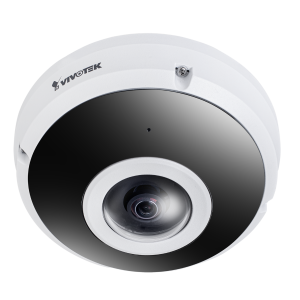
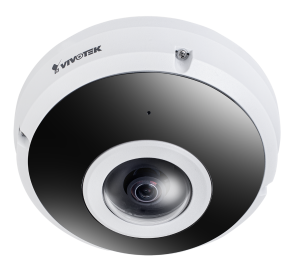
SKU: 02-135036
MPN: FE9391-EHV-V2
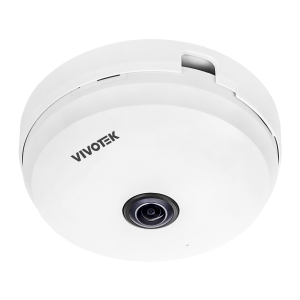
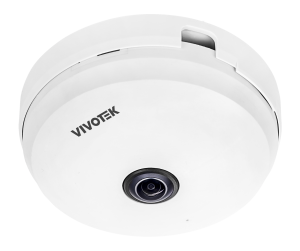
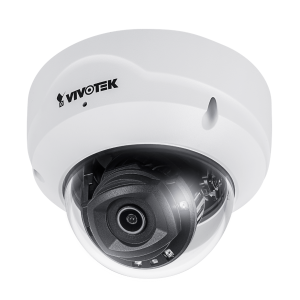
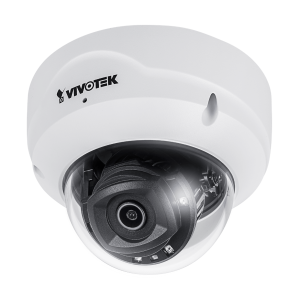
SKU: 02-135037
MPN: FE9180-H-v2
There may be some issues with our new site, but we are still here to help! Please feel free to...
We may ask for this help code:




The information below is required for social login
Sign In
Create New Account