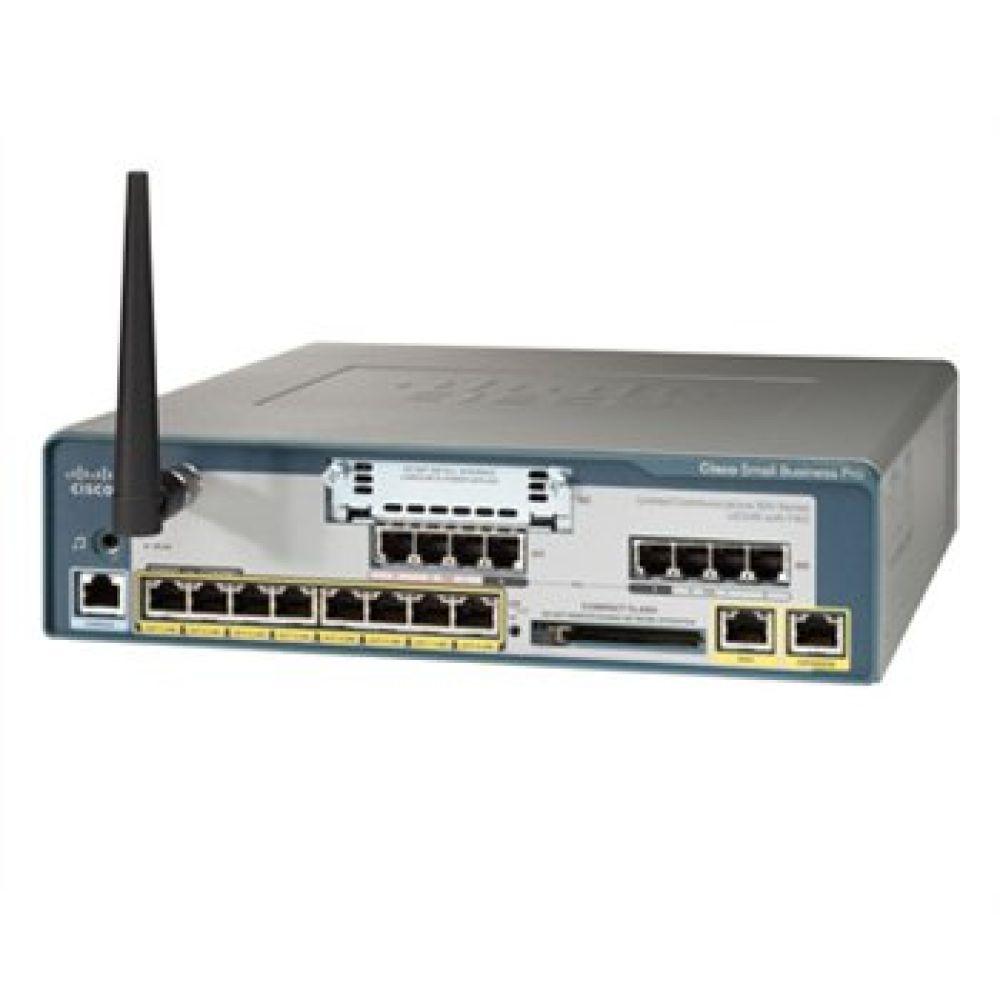
The Cisco Smart Business Communication System - UC500 Series has been discontinued by the manufacturer. There are no comparable replacements at this time. Please call 1-800-398-8647 or chat with an expert for a recommendation.
Out of stock
SKU
02-ciscoUC500
MPN
UC500-Config
Build a Cisco branded phone system that will make your small business run like an enterprise. The Cisco UC500 system plus Cisco phones and switches give you the flexibility, features, and security to keep up with the demands of your market.
Cisco Unified Communications 500 Series for Small Business supports:
Voice: Use advanced communications capabilities including telephone call processing, voicemail, automated attendant, and conferencing functions to respond to customers faster and save money on long-distance charges
Video: Conduct face-to-face meetings through video calls with Cisco Unified Video Advantage (requires Cisco USB Camera)
Wireless: Help employees be more productive and collaborate better through access to applications and information from anywhere they work
Productivity: Integrate with existing desktop productivity applications such as calendar, email, and customer relationship management programs
Secure Routing: Reduce business risks associated with viruses and other security threats
Get an advanced phone system that expands as your business grows and changes, without a lot of capital expense.
Cisco UC500 Features:
Telephone call processing
Integrated voicemail and automated attendant
Support for up to 104 phones in multiple locations
Integrated business productivity applications
Basic call center capabilities
Support for music on hold
Integrated wireless access (UC540 only)
Full functionality for remote staff and teleworkers
Integrated voicemail to email capabilities
Support for integrated video calls
Fax to email capabilities
Single-number reach functionality between desk phone, softphones, remote or teleworker phones, and mobile phones

















The information below is required for social login
Sign In
Create New Account