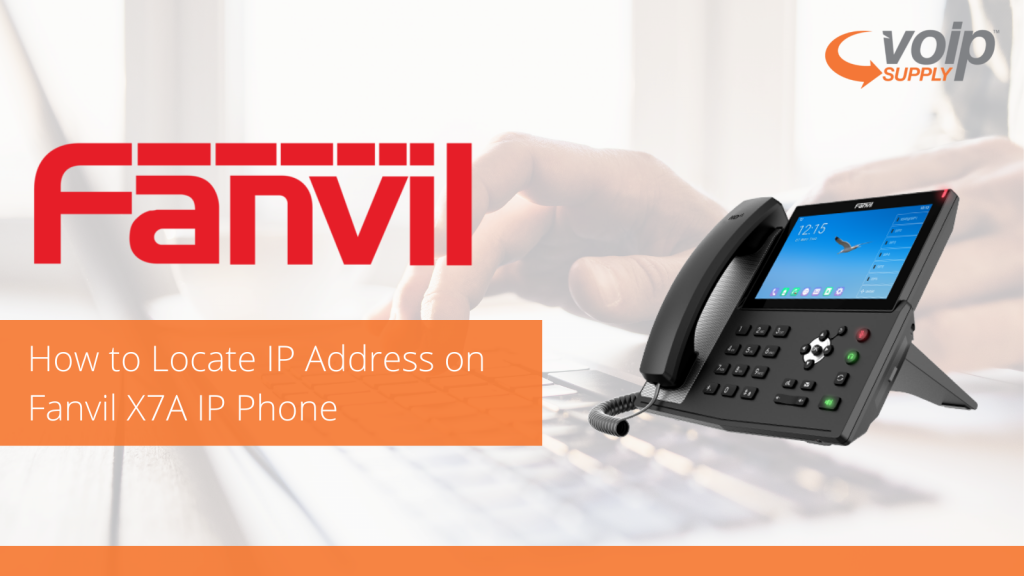
Are you struggling to locate the IP address on Fanvil’s X7A IP phone? We are here to help, just follow the simple steps below and you will be on your way to setting up your Fanvil IP phone.
Select the Gear Icon, you will now be in the phone settings.
Select Network.
The IP address will be the 4th option down.
You can also locate the IP address by following these steps
Select the Gear Icon
Select Common.
The IP address will be the 3rd option down.
If you have additional questions about the Fanvil X7A IP Phones, leave a comment below or reach out to us at 800-398-8647.
Our very own Brian Hyrek is back in another episode of SIP Chats and this time he sits down with Scott Farrel, Algo’s Strategic Account Manager of the USA and Canada.
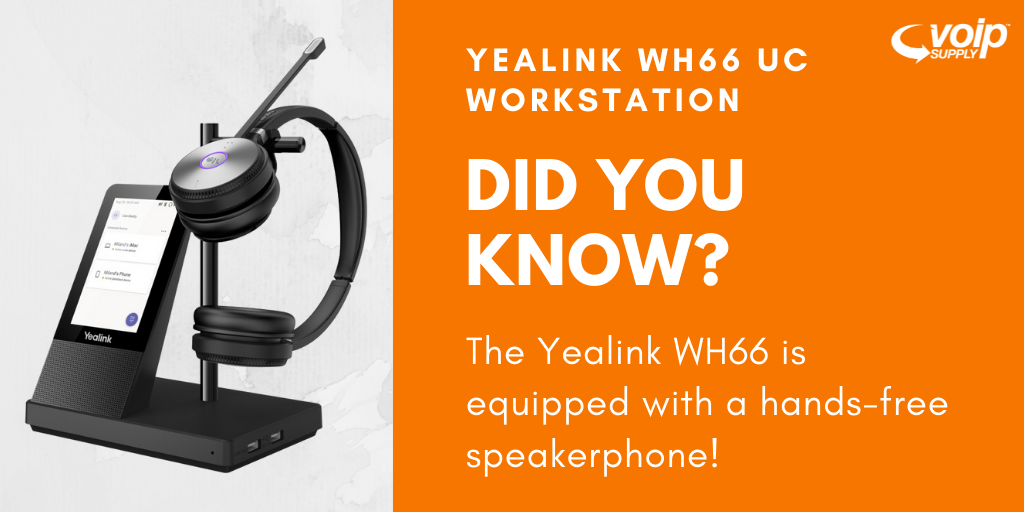
We are really excited about this new headset series from Yealink. It is packed with some really great features and has been really popular for people working from home or just trying to make some space on their office desk.
One really awesome feature that we wanted to point out is the hand-free speakerphone on the WH66 UC workstation. This gives you the ability to take breaks from wearing your headset all day!
If you have more questions about this workstation, leave a comment below or reach out to us at 800-398-8647.
Sometimes it’s difficult to get across how powerful and awesome the products we sell are, especially with web cameras! We asked our partner Peter Gasparro with Konftel to do a demo of Konftel’s new Cam10 web camera to show you just how amazing this little camera is!
Peter also goes through the UI (user interface) to show you all of the cool features that are available to you at no cost! So check out our exclusive demo video and let us know what you think! If you are interested in a demo, click here!
Having different ringtones for different departments can be helpful. It’s also a nice feature to have for calls that might be more important that others!
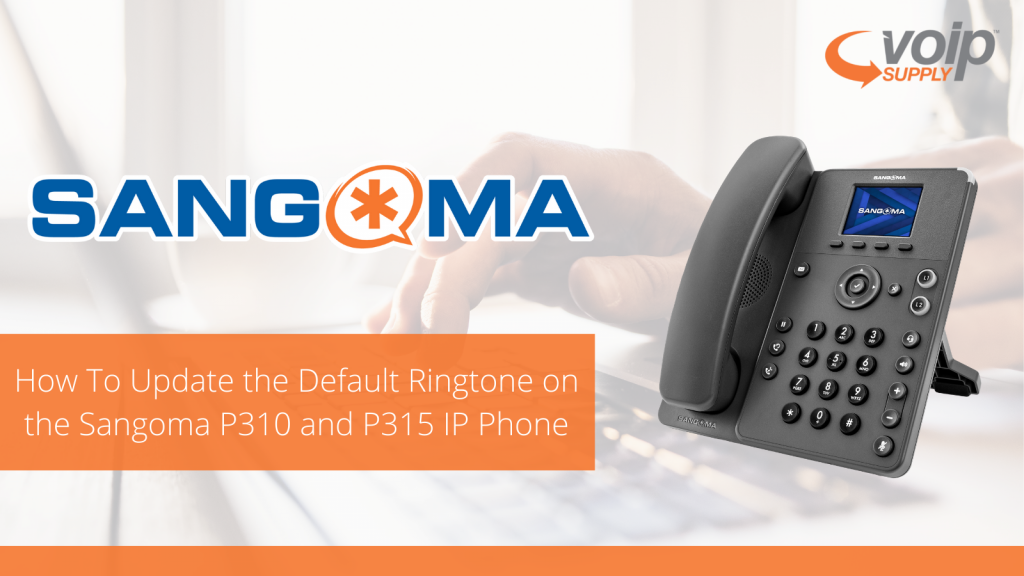
For this week we are going to walk through how to update the default ringtone on Sangoma’s new P310 and P315 IP phones.
First press the More softkey.
Then click the Menu softkey.
Use the Navigation Pad or press the #3 Keypad to open the Preferences.
Use the Navigation Pad or press the #3 Keypad to open the Sound Settings.
Once the Sound Settings are open, press the Change softkey and scroll using the Navigation Pad.
You can press the Preview softkey to hear the different sounds, once you have found the sound you like, press the Select softkey.
There you have it! Now you can choose different ringtones! If you have more questions about the Sangoma P310 or Sangoma P315, leave a comment below or reach out to us at 800-398-8647!
Are you thinking about adding IP Paging to your portfolio but nervous to do so? Our partners at CyberData recently launched CyberSchool, which is a great series that is led by the one and only Paul Tuttle! Paul walks through many helpful use case scenarios as well as worst and best practices, so when the time comes to add IP paging products, you’ll be ready!
Paul goes through and defines the difference between water-resistant, water-repellent and waterproof. While you might know the difference, it can be a critical piece of your consultation and ensuring you are provided easy to understand examples is very important.
He also breaks down the IP rating profiles for IP65 and IP66.
Ok, I don’t want to spoil the video so I am going to encourage you to check out this episode of CyberSchool! Paul shows some real life examples of what a good install and bad install looks like. It’s really helpful to see what you should and shouldn’t do in certain situations. Most recently, Paul breaks down the good, the bad and the ugly when it comes to preserving the IP rating on CyberData devices.
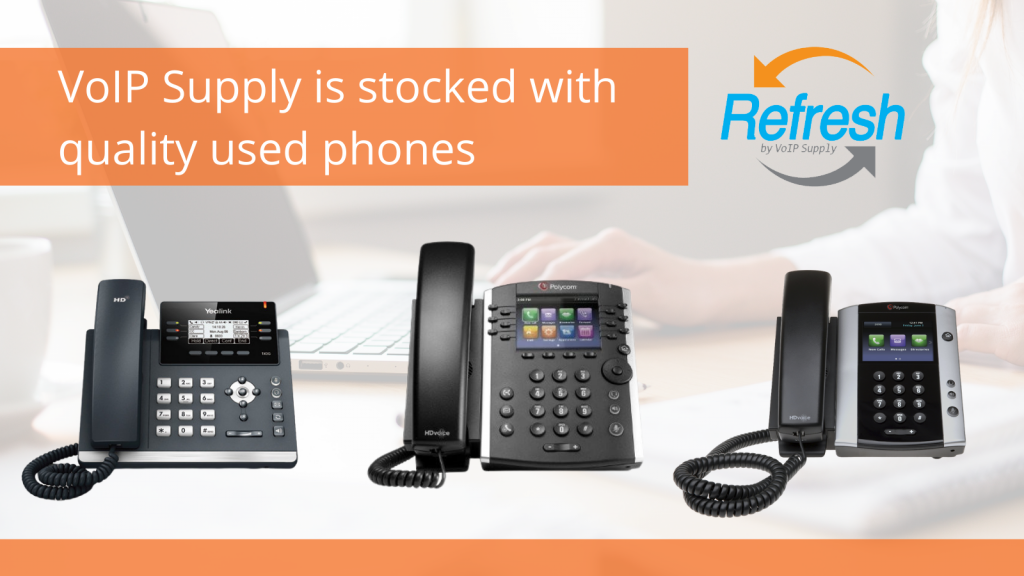
VoIP Supply is stocked with great Like New phone options this month. We have a great inventory of used devices that can save your business a lot of money without jeopardizing the quality of the phones. Our Refresh line of refurbished phones come with a 1-year warranty so that you can buy worry free knowing that we’ve got your back if anything goes wrong with your used device.
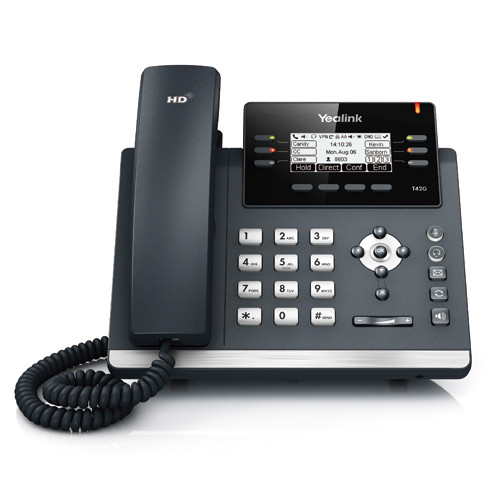
The Yealink T42G refurbished IP Phone offers Gigabit connectivity and 12-lines in a sleek and modern design. It is easy to use and offers quality performance with HD Voice and echo cancellation so that every call you make or take sounds crisp and clear.
12 Line Appearances
Dual-port Gigabit Ethernet
Yealink Optima HD Voice Supported
Up to 12 SIP accounts
Full-duplex hands-free speakerphone
No expansion module support
RJ9 Headset Port
2.7″ 192×64-pixel backlit Graphical LCD
Wall mountable
Supports PoE, Power Supply also available separately
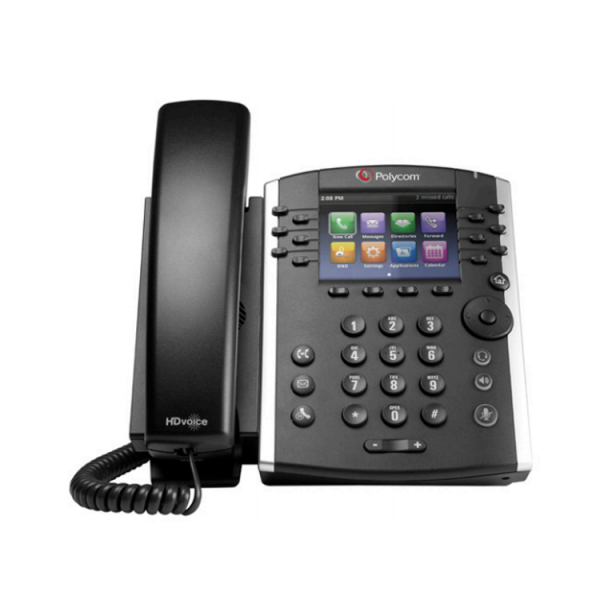
We also carry Poly devices like the Polycom VVX 401 and the VVX 501.
VVX 401
VVX 501
Both phones offer support for up to 12 lines and Poly’s HD Voice technology that improves the performance of every call. They are also business media phones which means you can pair them with third-party Unified Communications applications such as Microsoft Calendars and Instant Messaging in order to improve productivity.
Let’s look at their key features:
Poly VVX 401
12 Line appearances
Polycom HD Voice
3.5″ (320×240) Backlit Color LCD
Dual 10/100 RJ45 Ports
RJ9 headset port
Built-in auto sensing IEEE 802.3 af Power over Ethernet
Join the one and only Marc Spehalski has he walks through configuring the ALGO 8190S and then demonstrating some of the really awesome features.
The ALGO 8190S SIP Speaker is a great device for classroom or commercial Public Address (PA) System applications. The ALGO 8190S is also compatible with most hosted/cloud and on-prem based solutions. This device also comes pre-loaded with a number of ringtones and sounds, which you will see in the video!
If you have additional questions about this product, please leave a comment below or reach out to one of our Solutions Consultants at 800-398-8647.
So far May has been pretty exciting for our manufacturing partners! It’s always great to see so many of the brands we work with collaborating to improve or make the platforms and devices we recommend work together!
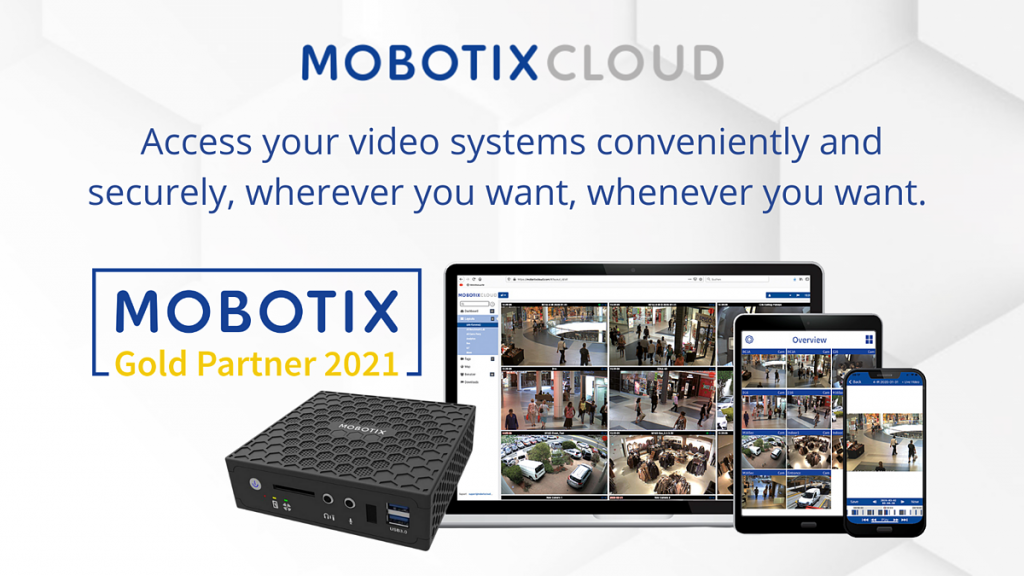
Let’s kick our post off with MOBOTIX CLOUD! We are very excited to see MOBOTIX launch this new platform to manage and access your video surveillance system from wherever you want, whenever you want! They have made the solution very user friendly and easy to manage for businesses or IT professionals.
Why you should consider MOBOTIX CLOUD if you are installing cameras or would like to connect legacy devices:
No local server required
Access your video systems from anywhere
Protected against failure by Bridge, which acts as a buffer
13 data centers: data is always stored in your region
Compatible with all MOBOTIX systems and ONVIF cameras
Cybersafe and GDPR compliant
We should also mention that MOBOTIX has over 20 years of experience!
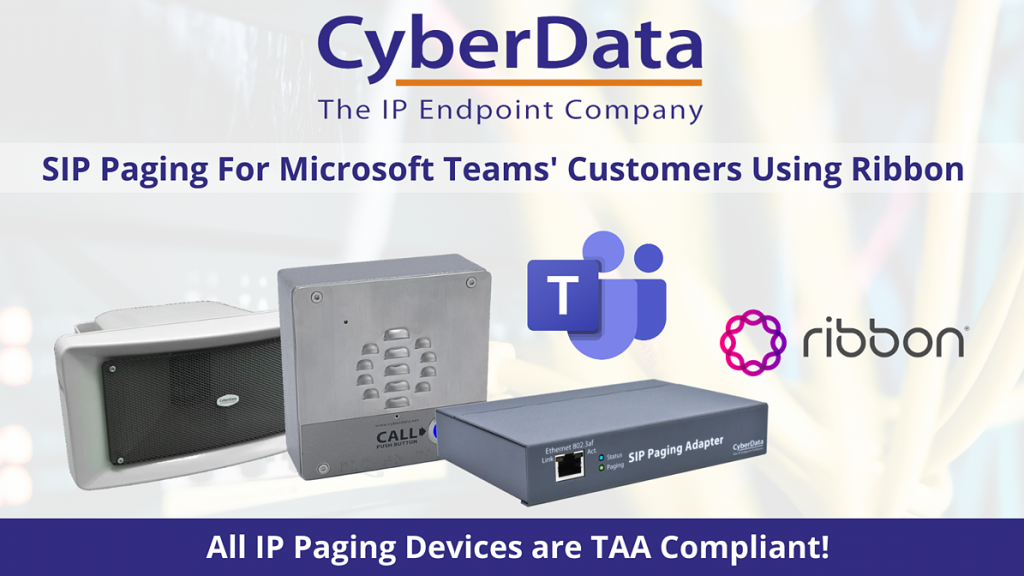
Are you looking for an IP Paging solution that integrates with a Microsoft Teams environment? CyberData has recently completed integration and testing with Ribbon’s session border controllers, and can now seamlessly integrate with CyberData devices!
If you are looking for more information about this new solution, reach out to one of our solutions consultants or comment below!
Lastly, we are so excited about this one as we feel like it’s a huge deal for both partners. Snom has officially rolled out a standardized template for the 3CX platform. This completely eliminates the need for customization and makes your deployment of Snom phones on the 3CX platform simple!
If you are looking for more details check out the press release!
For more product updates, be sure to follow us on social media!

Gear Icon, you will now be in the phone settings.