
Refurbished Poly (Polycom) VoIP Phones for every office need
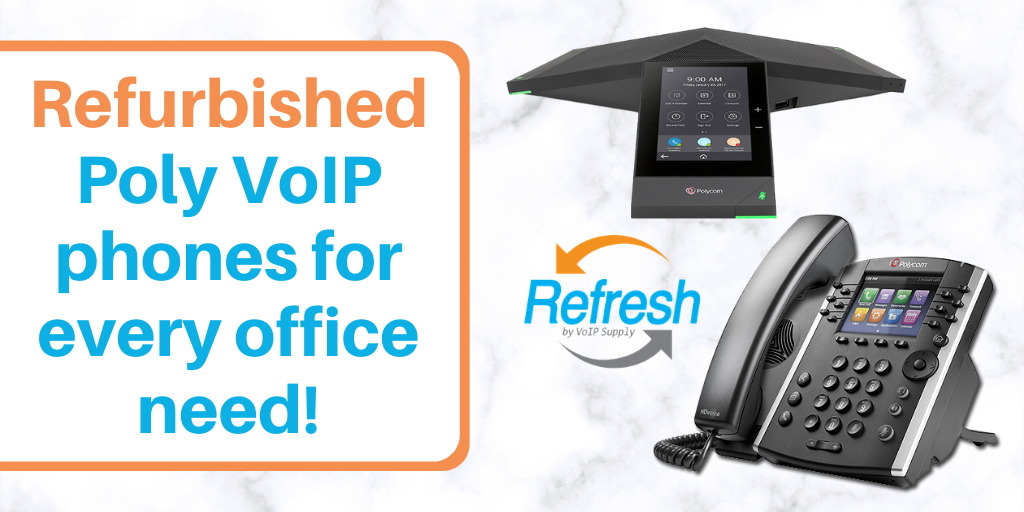
If you are into saving money and doing it well, then you need to learn about our Refresh line of used IP phones. Refresh is an avenue for small to large business owners to get their hands on quality VoIP phones at a fraction of the cost of new ones.
VoIP Supply understands that there might be some hesitation when buying used for that reason Refresh phones come with a one year warranty so that you can feel confident knowing that your purchase is protected no matter what.
Learn more about Refresh here.
Refresh phones are examined for functionality and brought up to the latest firmware before they are cleaned, packaged and ready to be shipped out of our doors working and looking as good as new.

The Polycom VVX 411 is a deskphone with a large color display, easy to use interface and support for integration with third party Unified Communication (UC) applications.
The VVX 411 can handle up to 12 line appearances and features high definition audio for clear, life-like calls.
Key features of the VVX 411 at a glance:
- 12 Line appearances
- Polycom HD Voice
- 3.5″ (320×240) Backlit Color LCD
- Dual Gigabit RJ45 Ports
- RJ9 headset port
- Built-in auto sensing IEEE 802.3 af Power over Ethernet
- Optional 48V DC power supply (not included)
- Easy integration with Unified Communication platforms
- VVX Expansion Module support
- 4-way directional navigation key
- 12 hard keys with basic icon keys included
- Wired or Wireless Headset Support
For more detailed information on the VVX 411, read the VVX 411 datasheet.

A good pick for basic phone needs is the Polycom VVX 311. The VVX 311 desk phone has a simple appearance with a backlit grayscale display and an elegant black design. It is great for scenarios like a main reception space, a kitchen, cubicle spaces and contact centers.
The VVX 311 can handle up to 6 lines and features HD Voice.
Key features of the VVX 311 at a glance:
- 6 line or speed dial keys
- Asian character support
- Backlit grayscale graphical LCD (208 x 104)
- HD Voice up to 7KHz on all audio paths (Speaker, Handset, Headset)
- 2 x Ethernet 10/100 or GigE (VVX 310)
- Hard Keys: 12-key dial pad, home, speaker, mute, headset, volume, messages, hold, transfer
- 4-way navigation cluster with center “select” key
- Supports VVX Expansion Module and VVX Color Expansion Module (Expandability up to 3 modules)
- Skype for Business and Office 365 Cloud PBX interoperability (order “Skype for Business Edition” codes ending in “-019”)
For more detailed information on the VVX 311, read the VVX 311 datasheet.

For your voice conferencing needs, Refresh has options for you such as the Polycom Trio 8500 Conference Phone.
The Trio 8500 is great for medium conference rooms and can pick up voices up to 14 feet away 360°. It has a 5” touch screen display that is intuitive to use and makes making and receiving calls simple.
With noise block technology, the Trio 8500 has been designed to provide clear calls that get rid of any background noise not related to the call at hand. Also featuring HD Voice, your calls will be crisp and clear from beginning to end.
Key features of the Trio 8500 at a glance:
- QoS Support
- 5-inch color LCD (720 x 1280 pixel)
- On-screen virtual keyboard
- 3 cardioid microphones
- 14ft/4.3m microphone pickup range
- Polycom® HD Voice™
- Polycom® NoiseBlock™
- Voice activity detection
- Polycom Zero Touch Provisioning
- Polycom® Acoustic Clarity™ technology
- Open SIP and Microsoft Lync 2013/ Skype for Business/Office365 Cloud PBX
For more detailed information on the Trio 8500, read the Polycom Trio 8500 datasheet.
For these and more Refresh products check out our Refresh catalog.
Have questions about Refresh? We’d be happy to chat with you! Give us a call at 1-800-398-8647.


 Our tech support team at VoIP Supply offers great
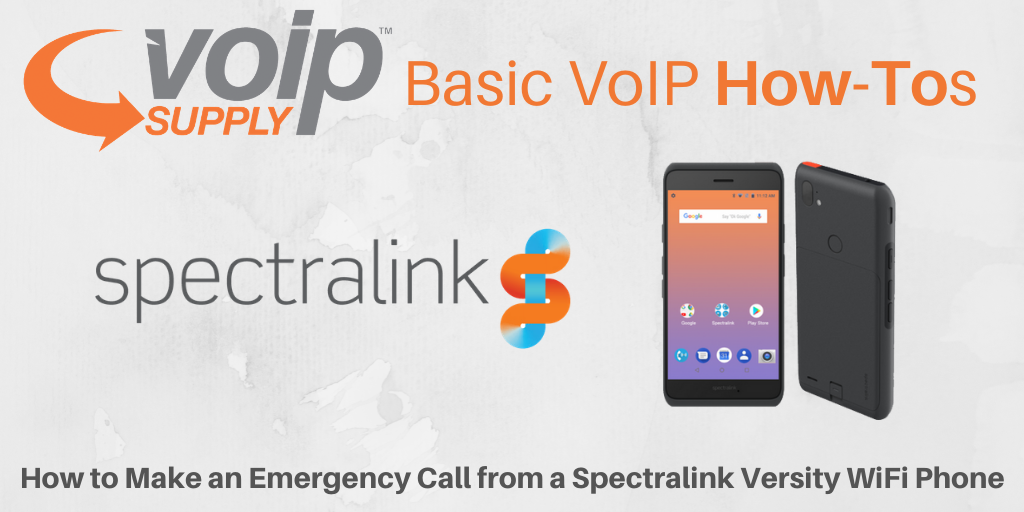 Many of our Spectralink Versity customers are healthcare providers that face emergency events almost every day. Having the ability to make an emergency call right from your wireless device is important!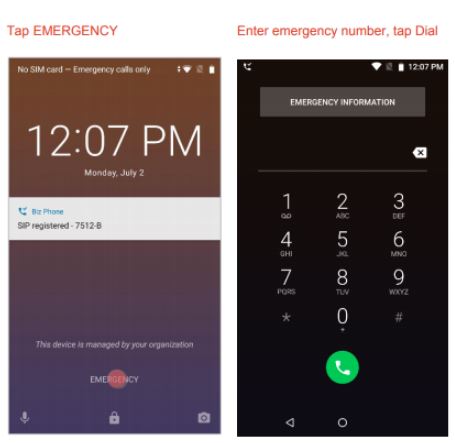
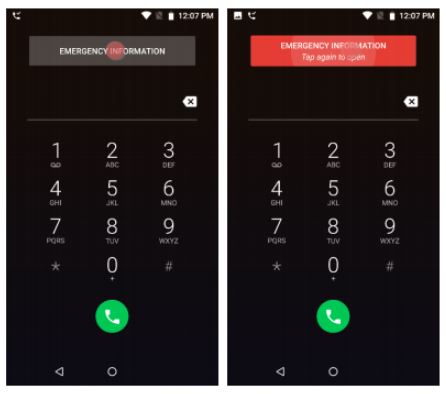
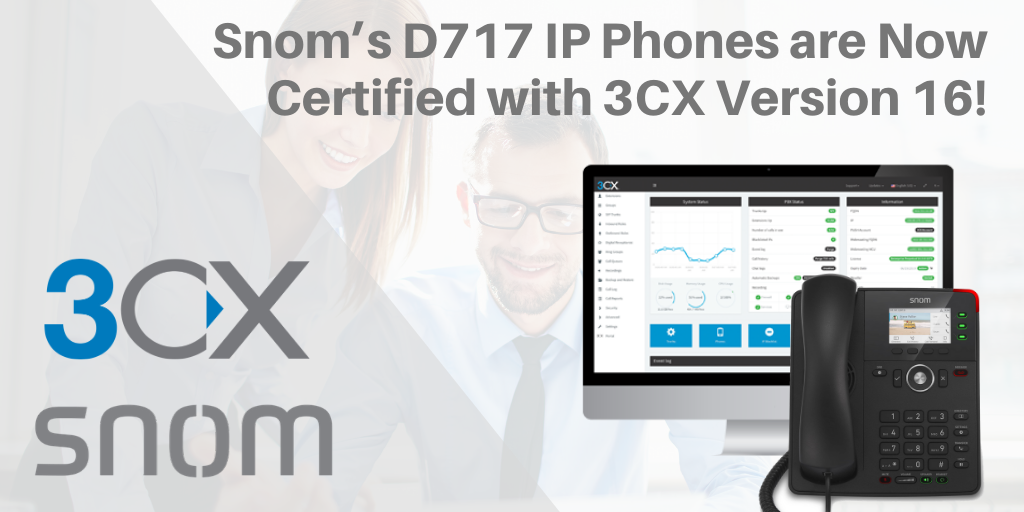 Did you know? Snom’s D717 entry-level color IP phones are now fully certified with 3CX v16! Now users can use Snom’s D717 with 3CX software seamlessly.
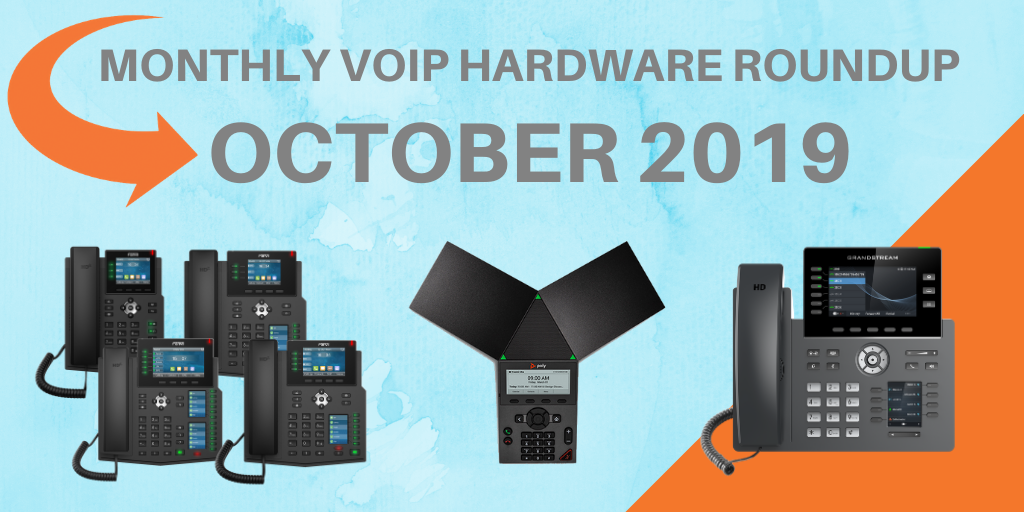 October is all about new IP phones at VoIP Supply! This month, we are introducing some more new exciting VoIP phones from our top brands. Let’s dive in!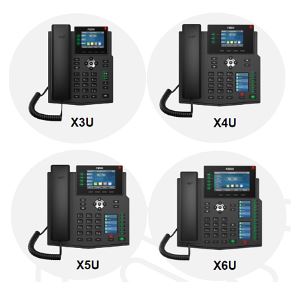
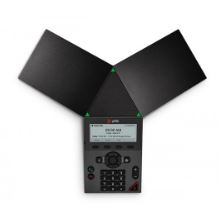 The Poly Trio 8300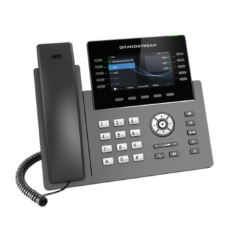
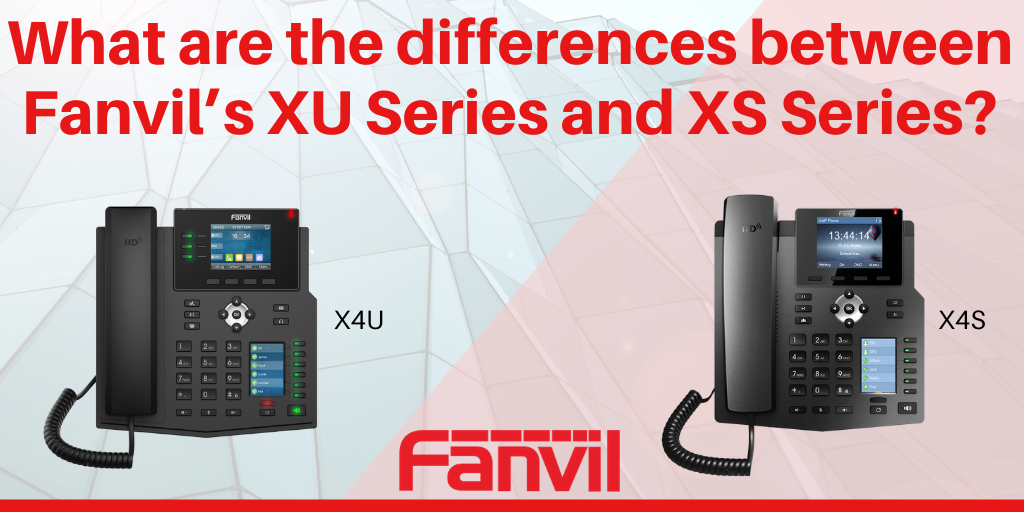 Fanvil’s XS Series is known for its beautiful color screen, ease of use, and affordable price point. If you or your customers have one of these IP phones, you can’t miss out on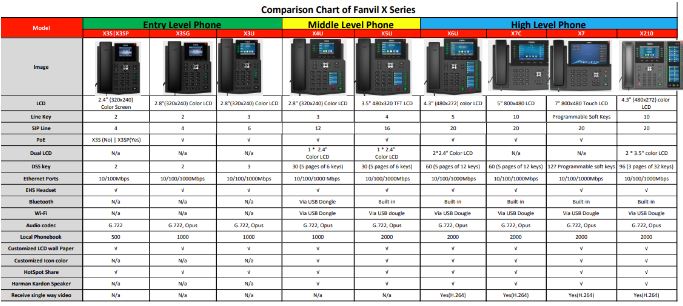

 Sangoma is excited to announce that SIPStation, Sangoma’s SIP trunking service, has been named number one in customer satisfaction by industry analysts!