
How to Make an Emergency Call from Spectralink Versity WiFi Phone
 Many of our Spectralink Versity customers are healthcare providers that face emergency events almost every day. Having the ability to make an emergency call right from your wireless device is important!
Spectralink Versity is a perfect WiFi phone solution for the healthcare industry as it is easy and secure to operate. Today we are going to show you how quick it is to make an emergency call right from Spectralink Versity’s lock screen!
How to make an emergency call from Spectralink Versity’s lock screen
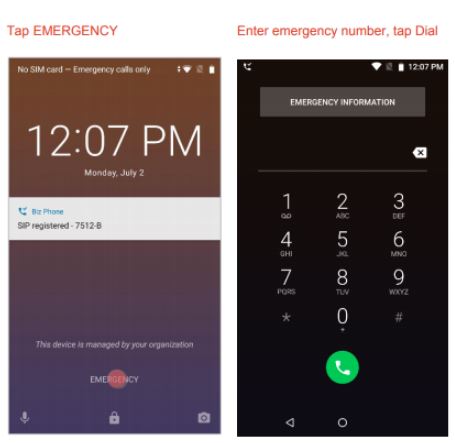
Spectralink Versity WiFi phone allows you to directly enter an emergency number from its lock screen. Only emergency numbers will be activated here.
- Tap EMERGENCY
- Dial emergency number. If the number has been programmed in Biz Phone, the Biz Phone app will open and the call will be attempted via Wi-Fi
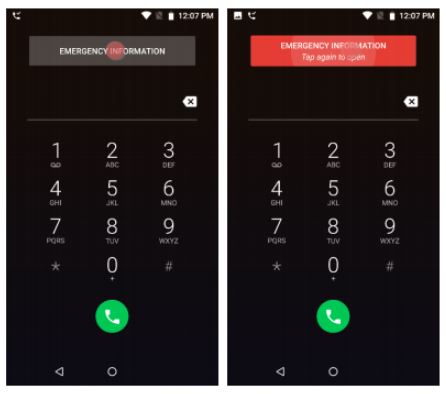
If your system administrator has programmed emergency numbers, they will be available through the EMERGENCY INFORMATION banner. From the lock screen:
- Tap EMERGENCY banner
- Tap EMERGENCY INFORMATION two times
Read the user guide to learn more: https://support.spectralink.com/sites/default/files/resource_files/721-0060-000_1.pdf
Easy enough? Have you successfully dialed out emergency calls on your Spectralink Versity WiFi phone?
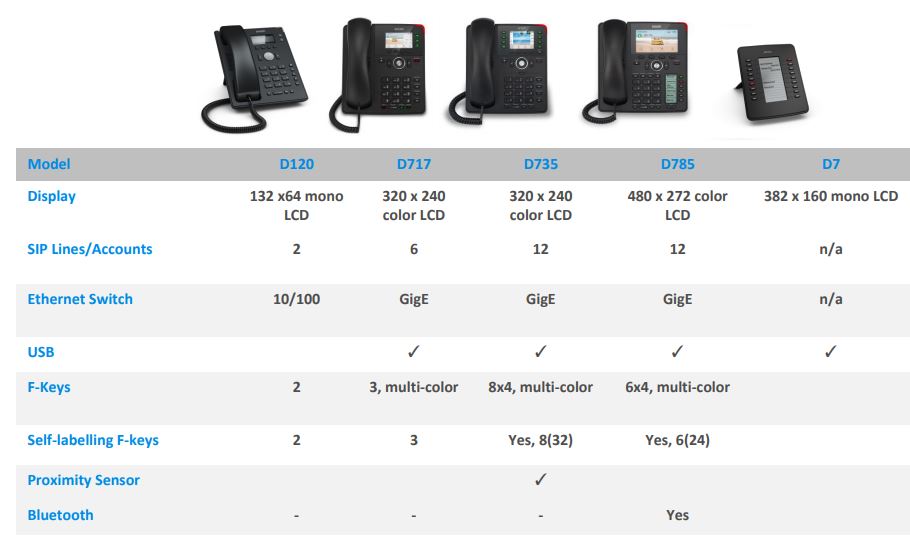
 Did you know? Snom’s D717 entry-level color IP phones are now fully certified with 3CX v16! Now users can use Snom’s D717 with 3CX software seamlessly.
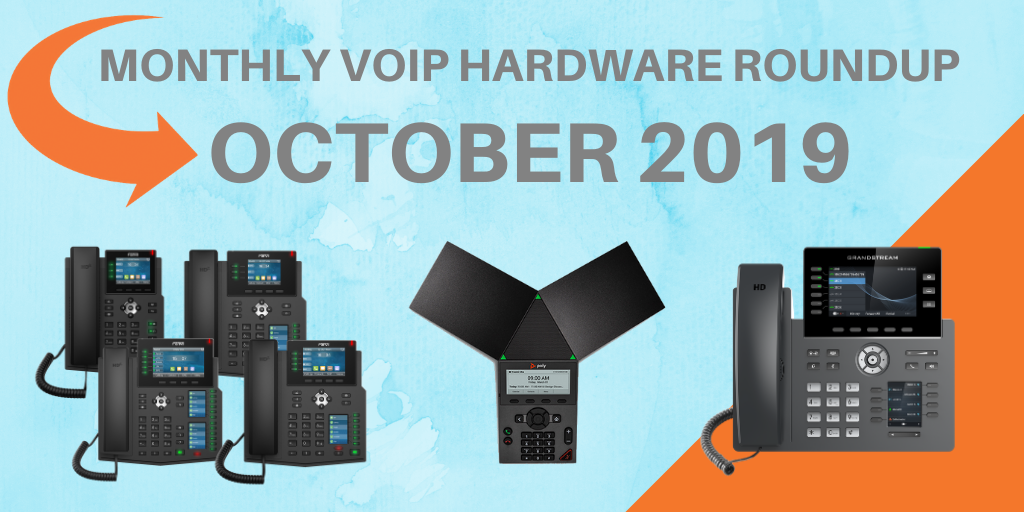 October is all about new IP phones at VoIP Supply! This month, we are introducing some more new exciting VoIP phones from our top brands. Let’s dive in!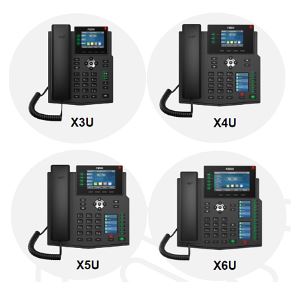
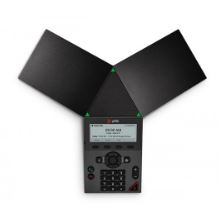 The Poly Trio 8300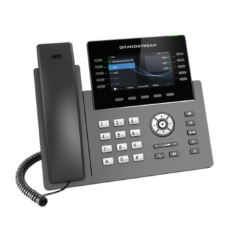
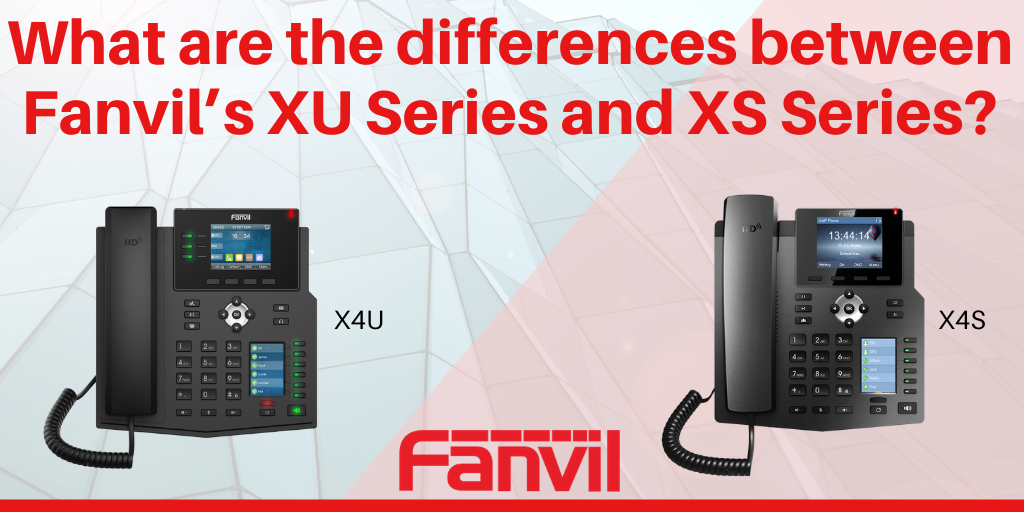 Fanvil’s XS Series is known for its beautiful color screen, ease of use, and affordable price point. If you or your customers have one of these IP phones, you can’t miss out on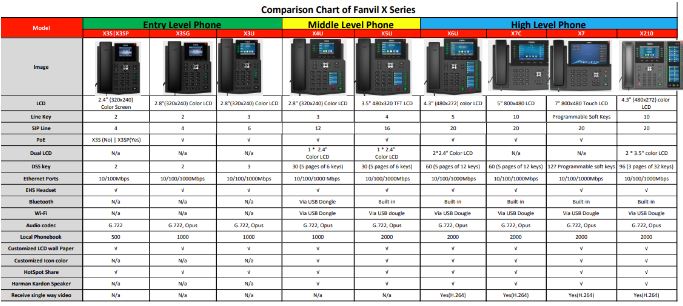

 Sangoma is excited to announce that SIPStation, Sangoma’s SIP trunking service, has been named number one in customer satisfaction by industry analysts!
 Key Advantages of VoIP Fulfillment by VoIP Supply
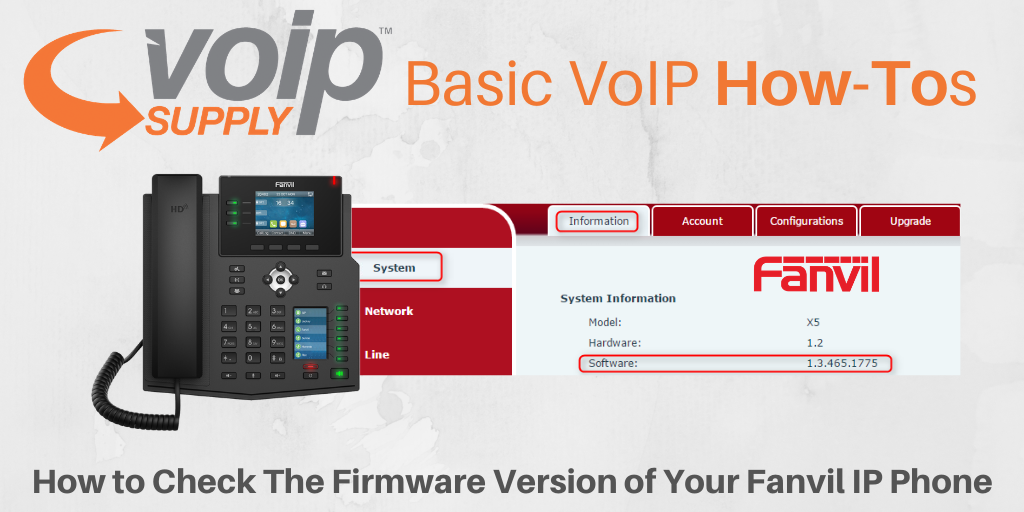 Before you start provisioning your Fanvil IP phones, it’s important to bring your firmware up-to-date to ensure that the minimum requirements and features are implemented. The minimum required firmware is specified in the guides here: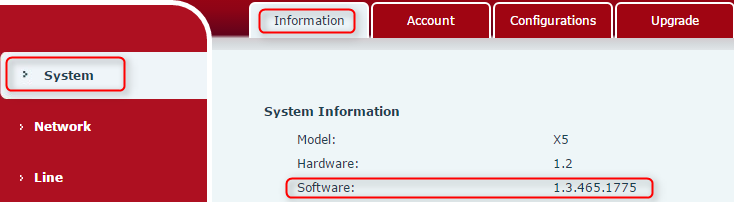




 In
In 